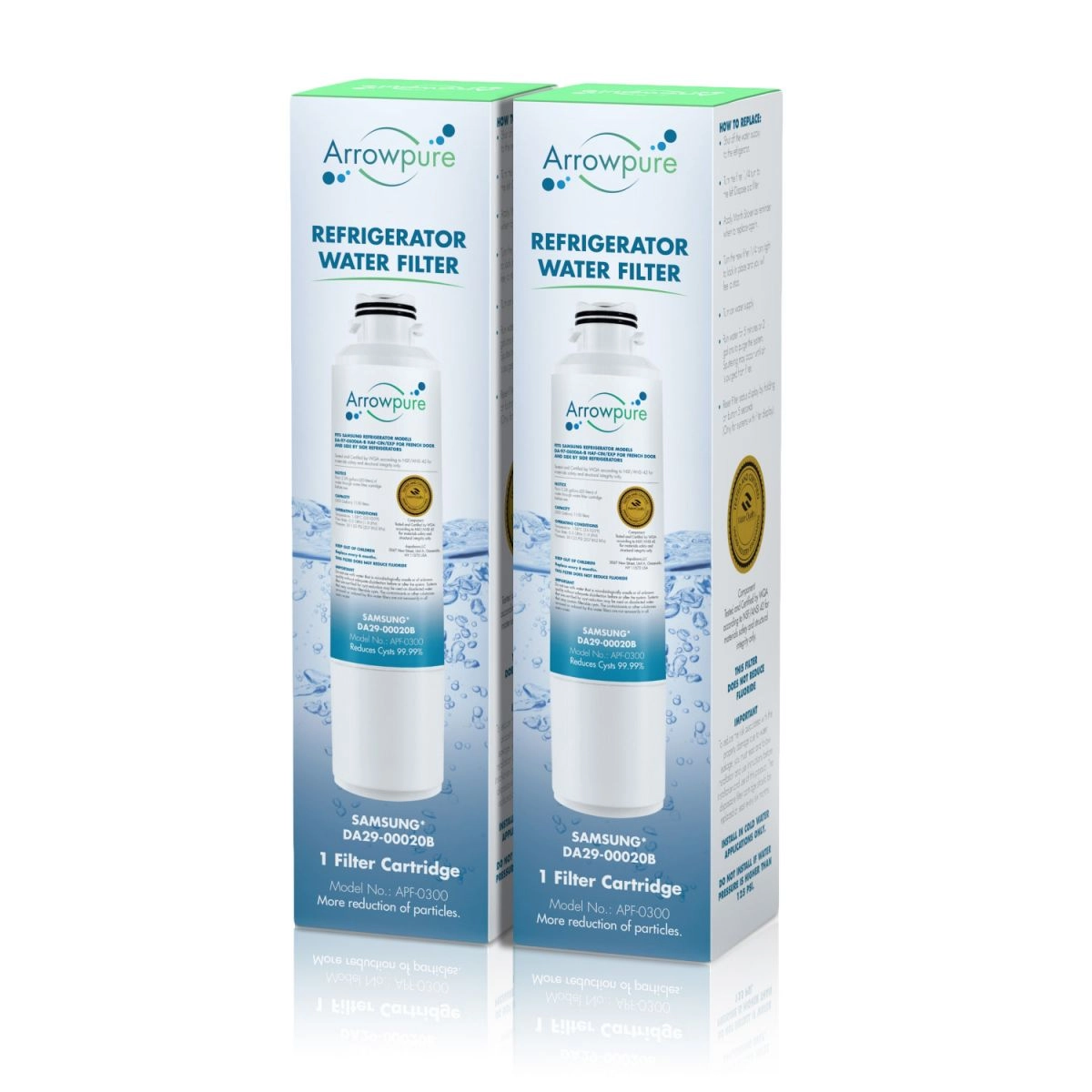
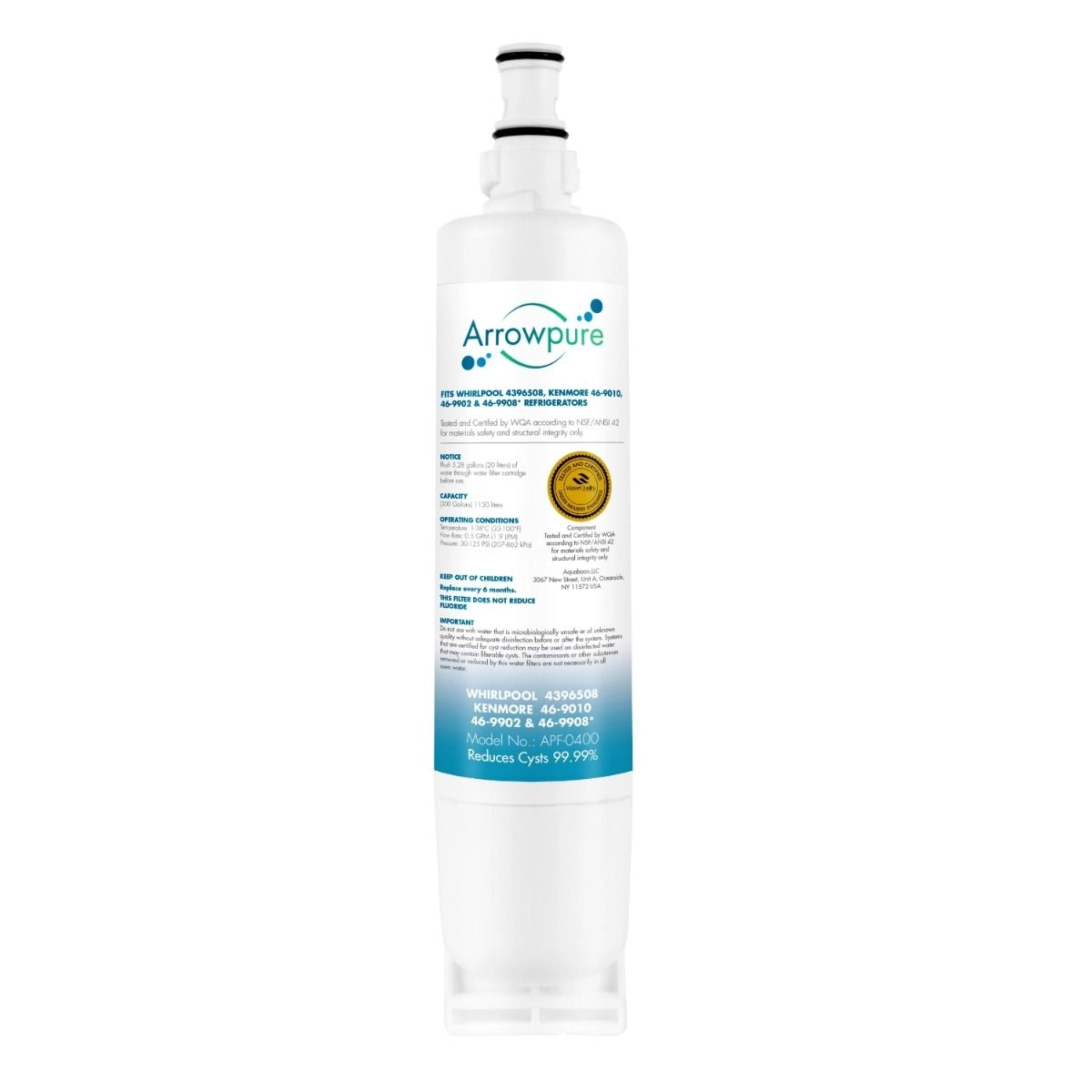
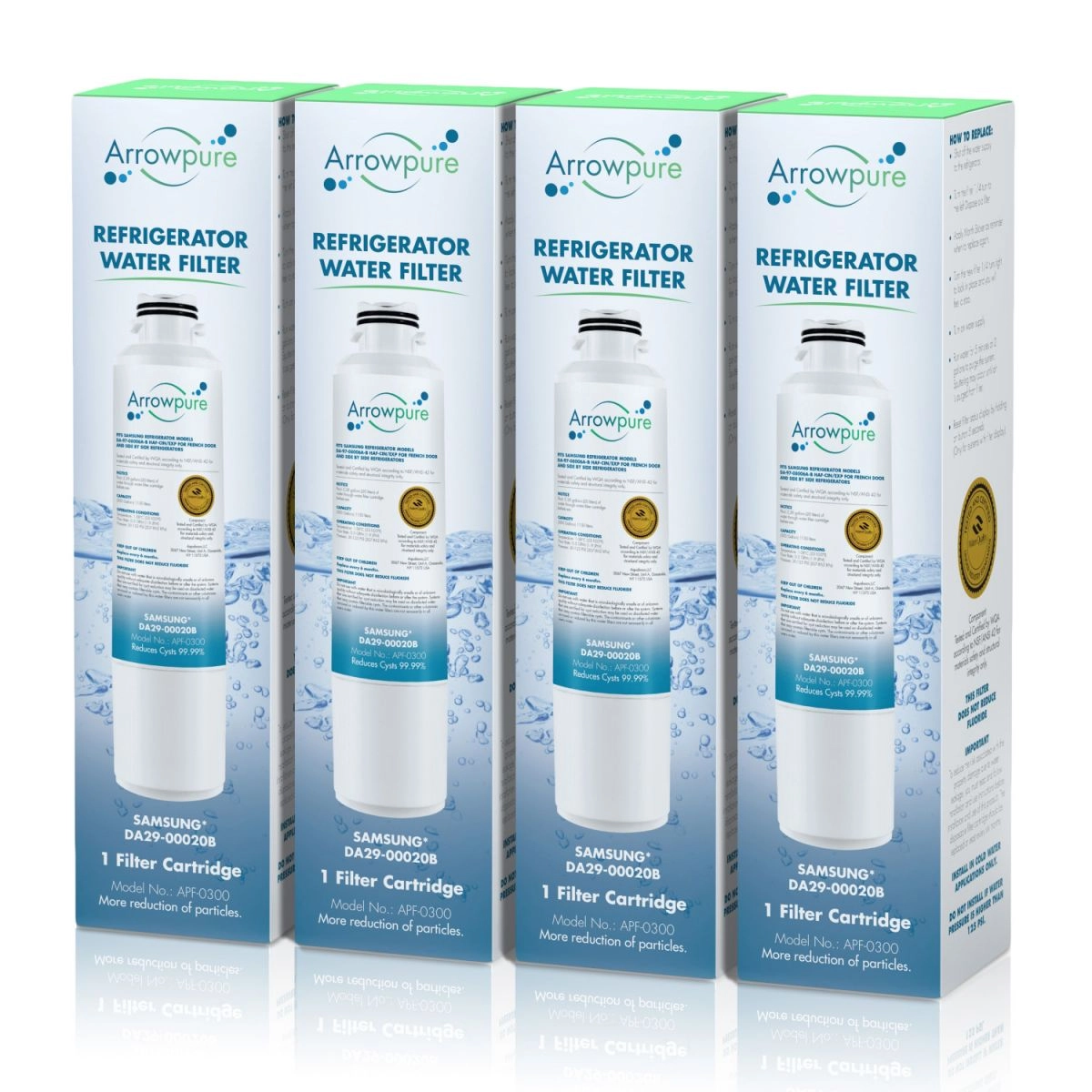
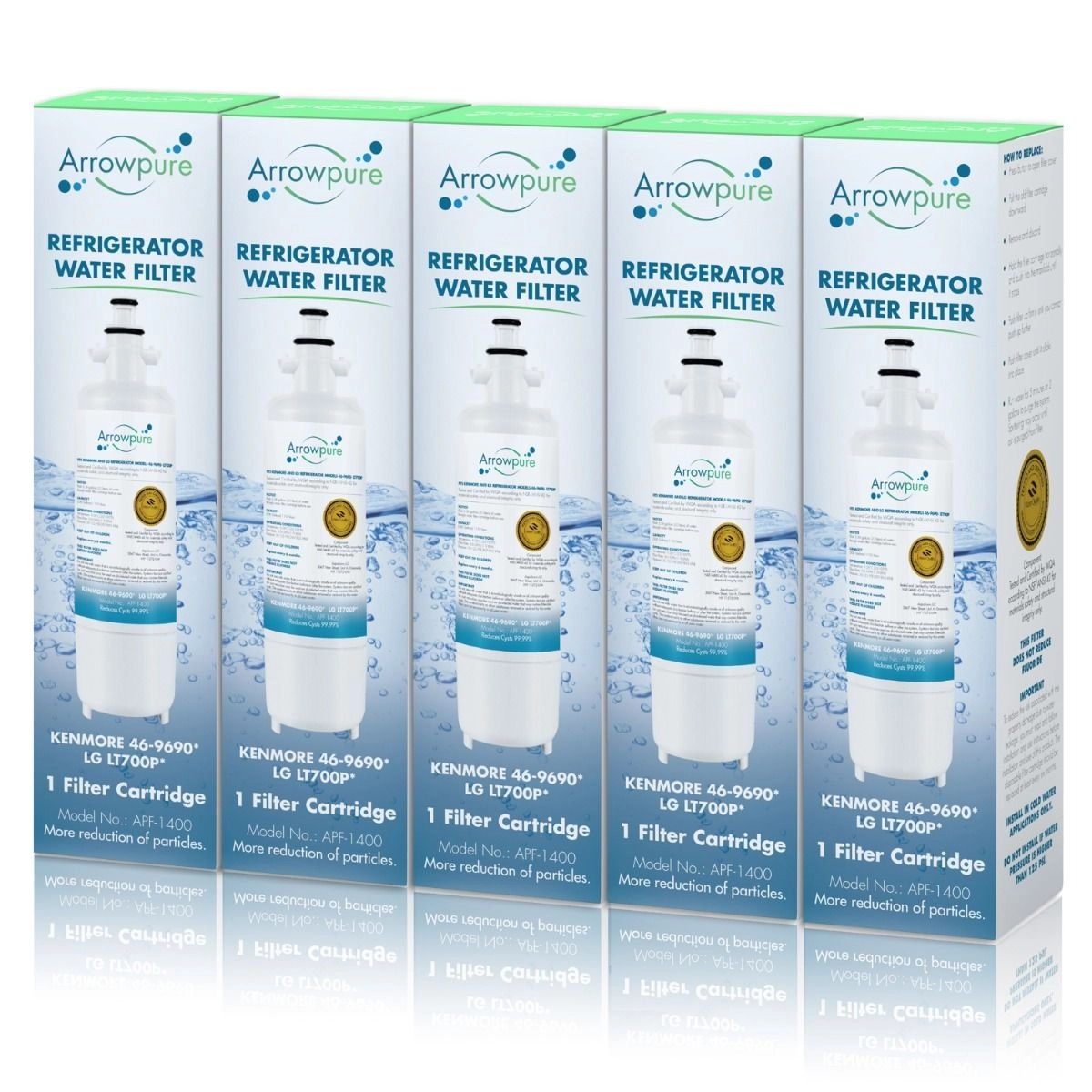
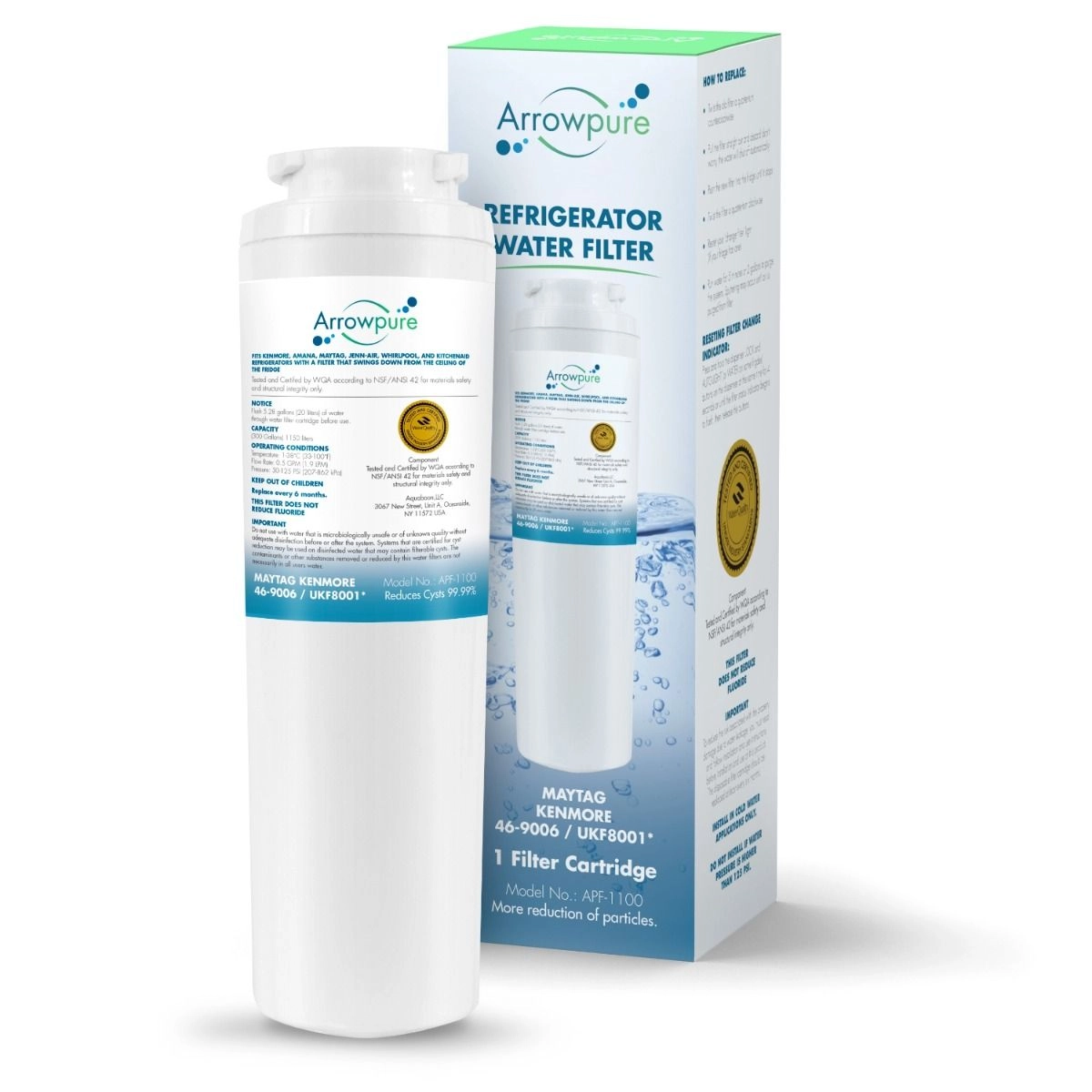
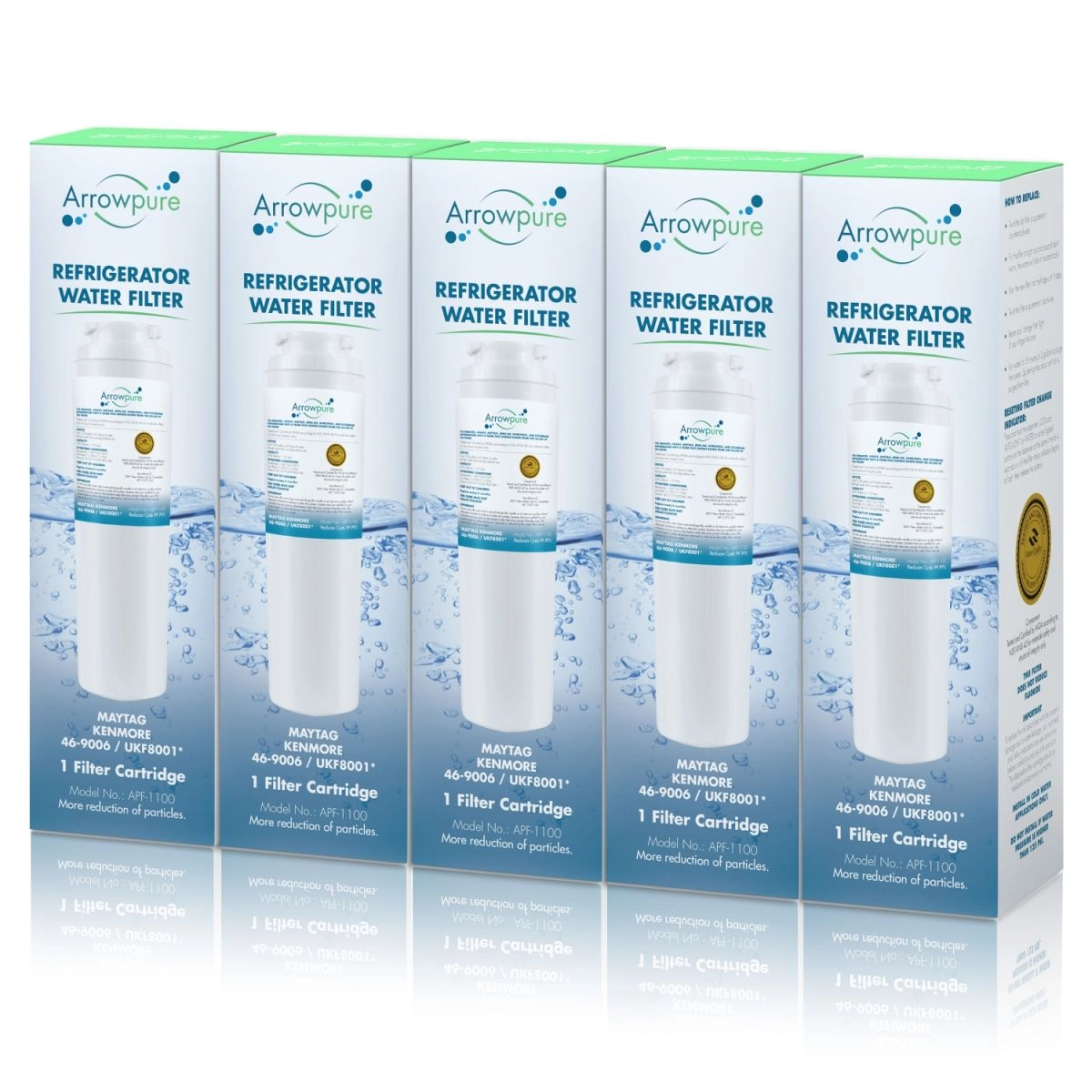
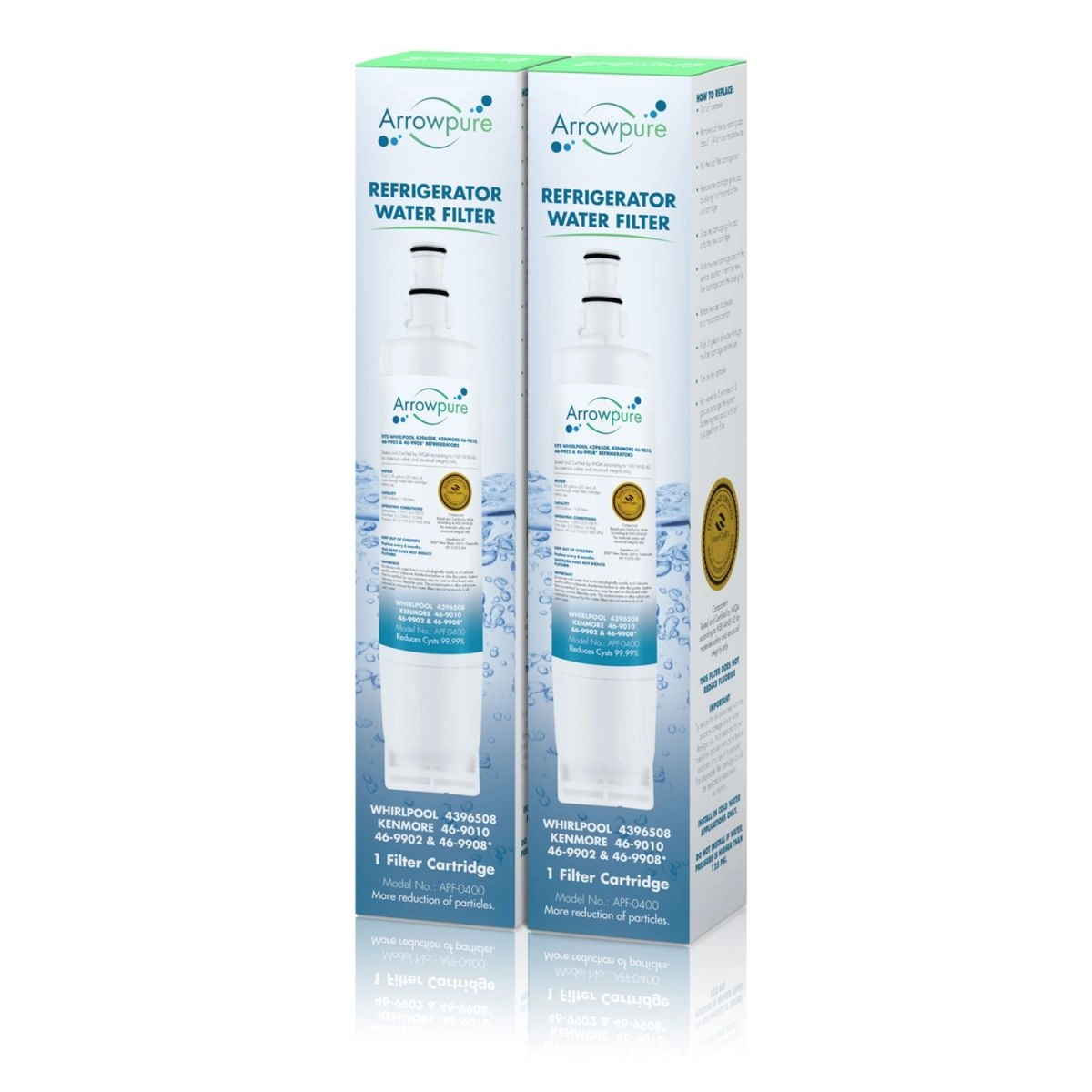
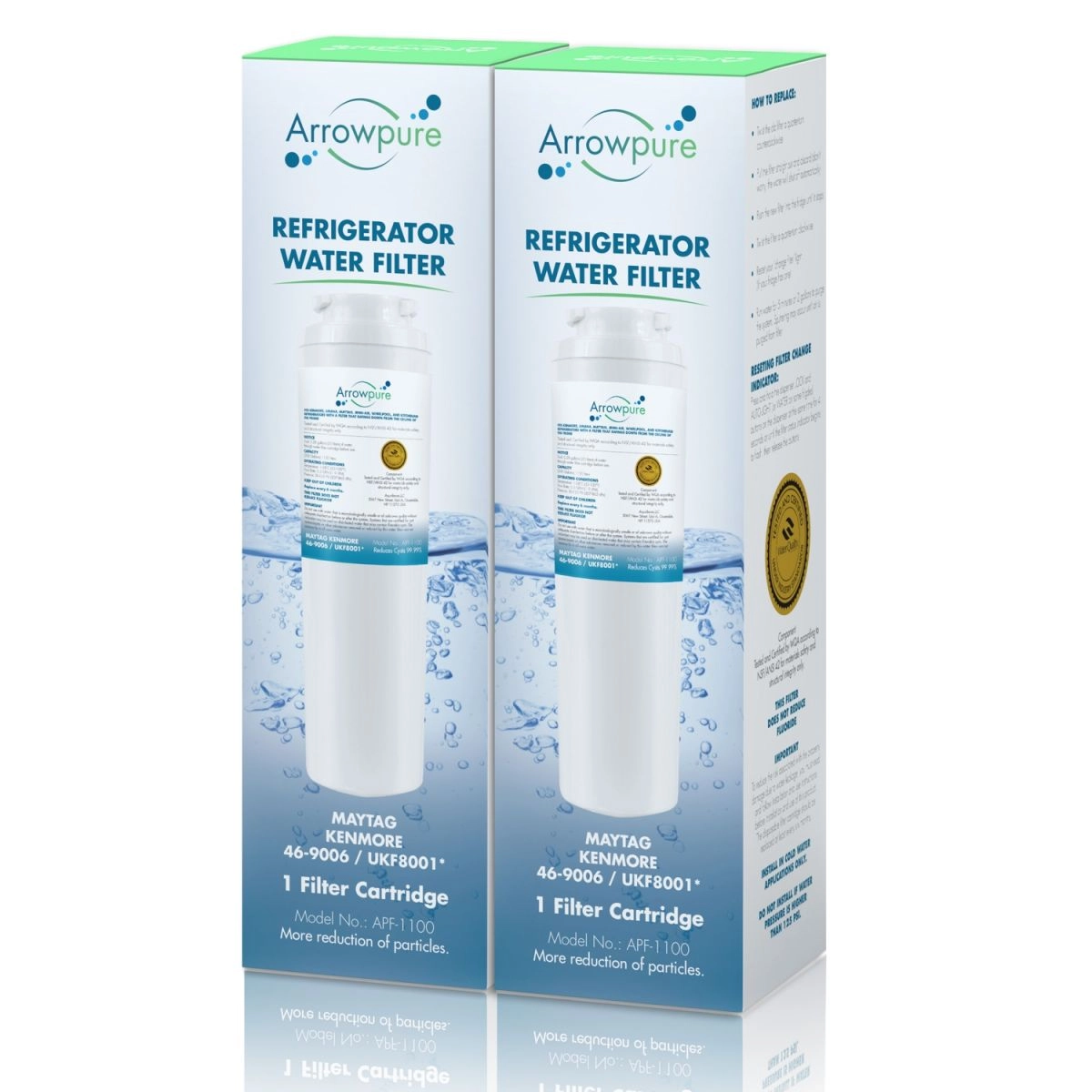
Maintaining a healthy lifestyle is crucial, and the quality of your drinking water plays a significant role in this. Despite water treatment processes, tap water may still contain harmful particles and substances. Your refrigerator's water filter can ensure the purity of your drinking water by removing these impurities.
Refrigerator filters are essential for several reasons:
They improve taste by removing chlorine.
They eliminate toxic substances that treatment plants may not fully remove.
They trap harmful microorganisms and parasites, preventing illnesses like E.coli, salmonella, and diarrhoea.
The main purposes of a fridge water filter are to eliminate chlorine, trap particles like sand and silt, and eliminate bacteria that treatment plants may not fully remove or that water may pick up in the piping system.
Over time, the activated carbon in the filter cartridges absorbs debris and impurities, reducing their effectiveness. Additionally, bacteria can accumulate in the cartridges, posing a health risk. Therefore, it's essential to replace your fridge water filter semiannually or after dispensing 200 - 300 gallons. If your fridge is dispensing water at a slower rate than usual, it's time to change the cartridge.
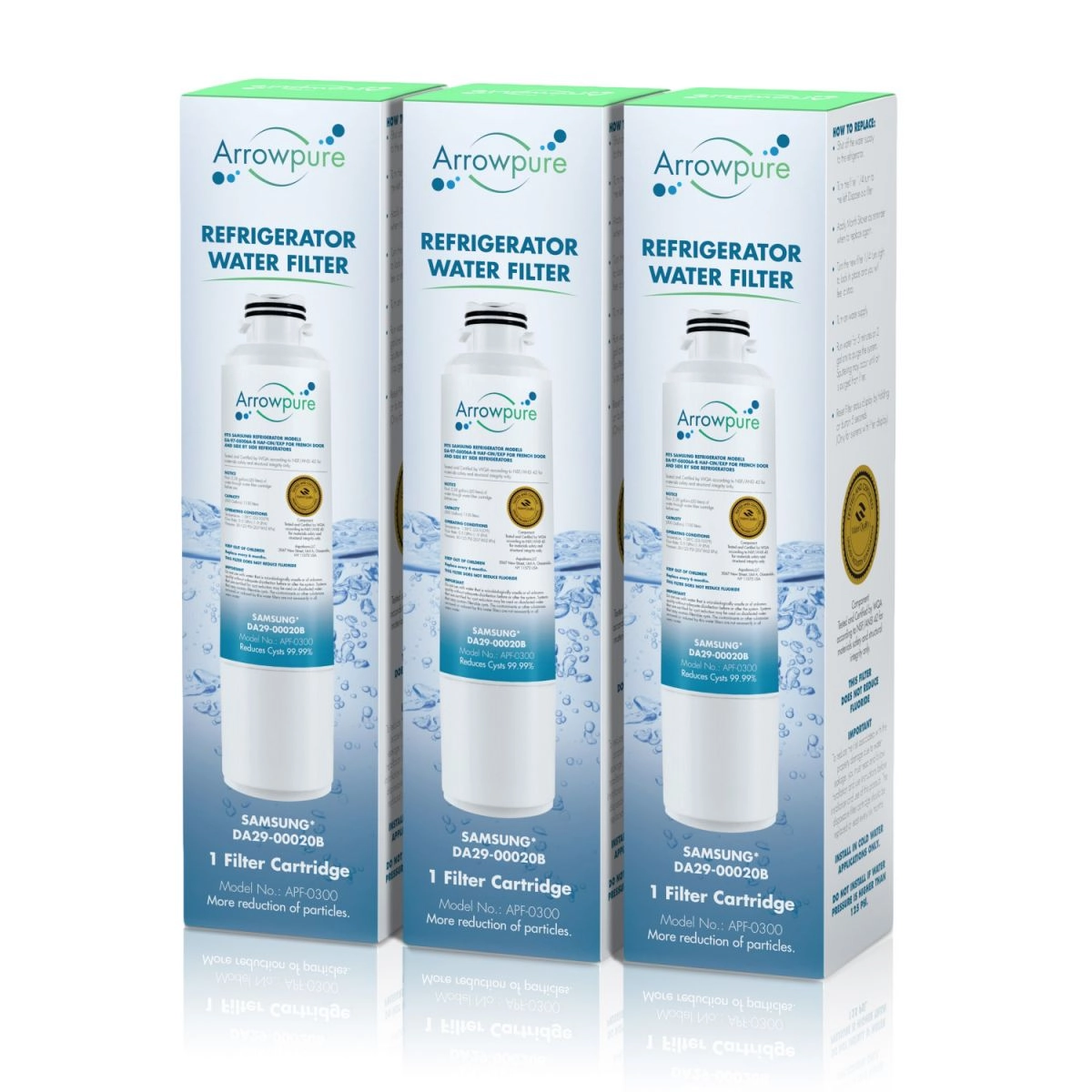
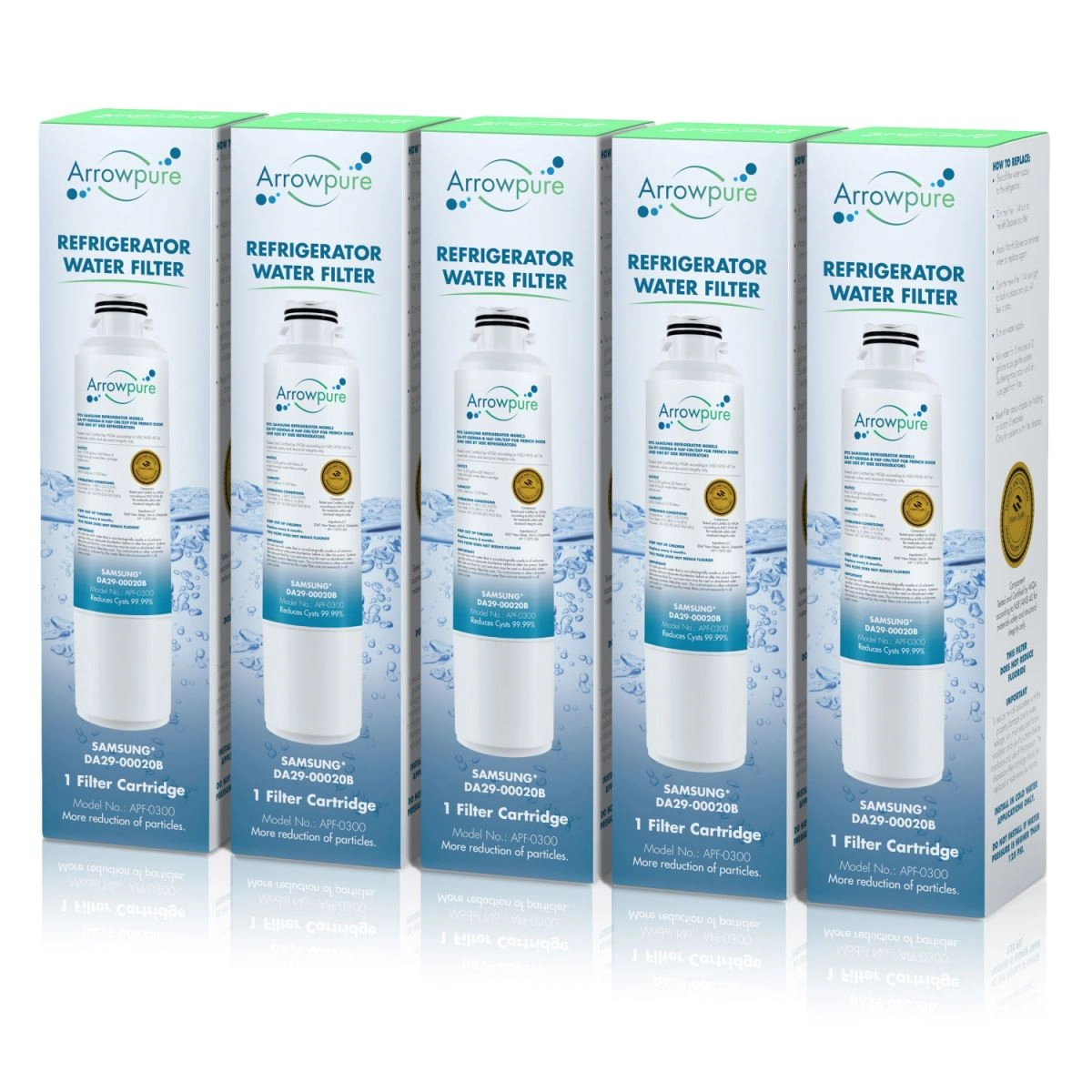
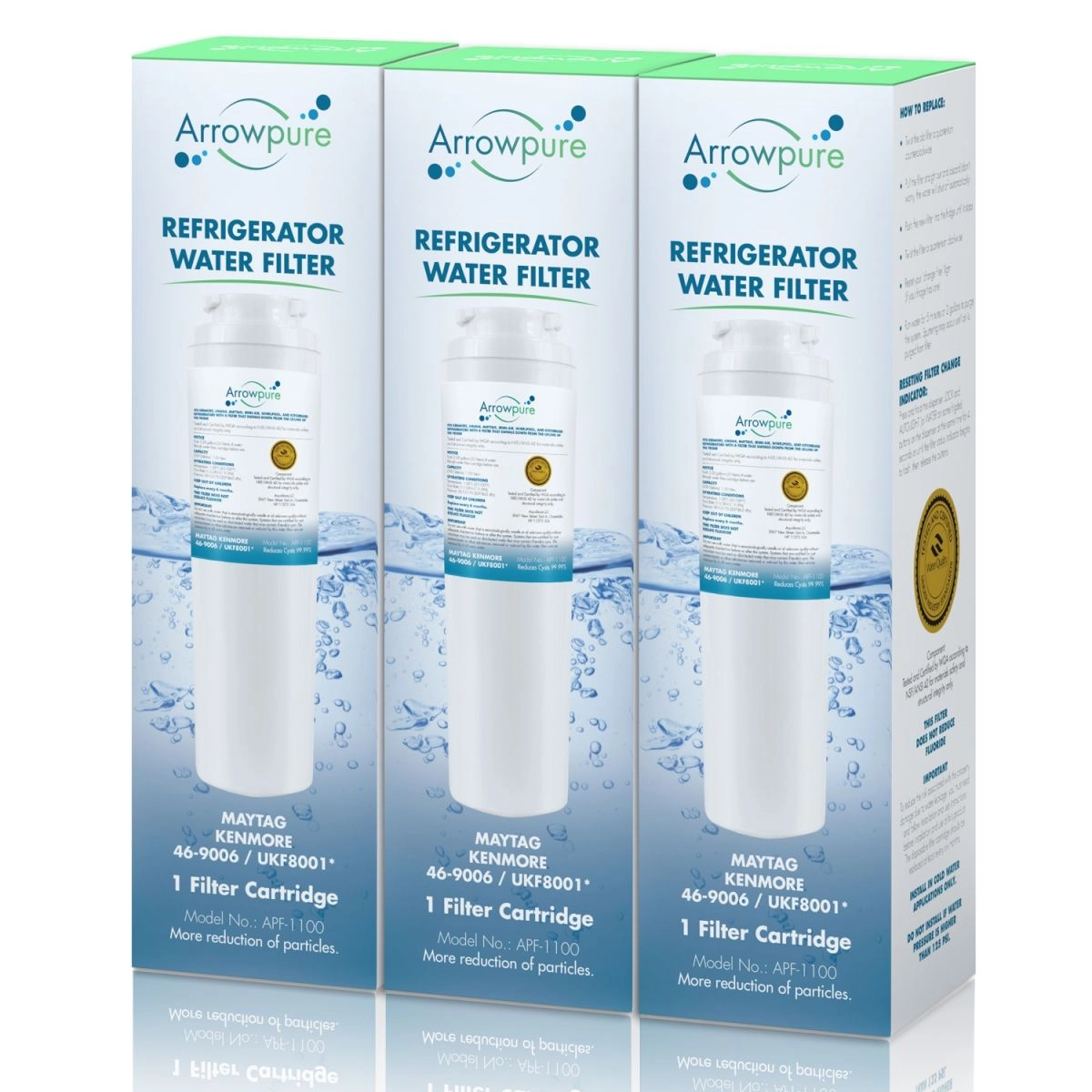
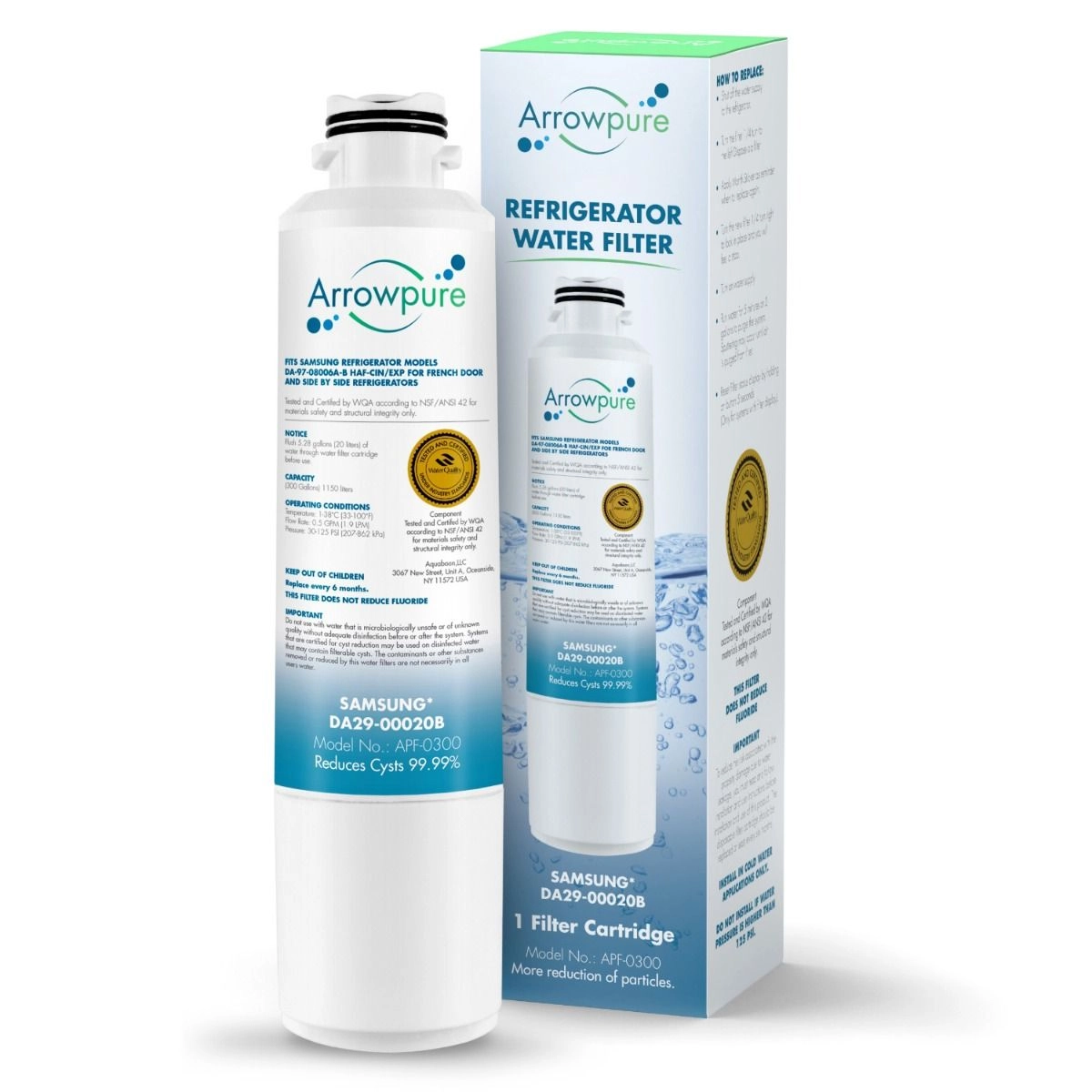
Replacement cartridges are available in various physical stores and online. To find the right filter for your fridge, identify your fridge's brand and model, then search for a compatible cartridge on websites like Filterway, experts in water filter replacements.
How to Change a Refrigerator Water Filter
Total time: about 5 minutes. No tools required.
Find the right replacement filter —
check your refrigerator door, current filter label, or owner's manual for the OEM model number.
Search that number at Filterway.com to find a compatible Aquaboon or Arrowpure replacement filter.
Locate the filter housing —
most refrigerator filters are located in the upper right corner inside the refrigerator compartment,
the bottom left inside corner, or the base grille at the bottom front of the refrigerator.
Remove the old filter —
for twist-lock or twist-pull filters, turn the filter counterclockwise about 1/4 turn,
then pull it straight out. For push-button or push-cartridge filters, press the release button
or push the cartridge inward to release the latch, then pull it out.
Insert the new replacement filter —
remove packaging and protective caps, align the filter with the housing,
push it in, and turn or press it until it clicks firmly into place.
Never force the filter; if it does not seat easily, check alignment.
Flush the new filter —
dispense about 2 to 4 gallons of water through the refrigerator water dispenser,
or follow the volume listed in your refrigerator manual.
Discard the initial water. If discoloration, odor, or poor taste continues after flushing,
check that the filter is seated correctly and consult your refrigerator manual.
Reset the filter replacement indicator —
reset the indicator from your refrigerator control panel after installation.
The exact button sequence varies by brand and model, so check your owner's manual
if the indicator does not reset.
FAQ
How do I know when it's time to replace my refrigerator filter?
Knowing when to replace your refrigerator filter is essential for maintaining water quality and appliance efficiency. Replace it:
- Based on Time: Follow the manufacturer's recommended replacement schedule, typically every 6 months.
- By Flow Rate: If water flow decreases significantly, it may be clogged.
- By Taste or Odor: If your water or ice tastes or smells off, it's a sign the filter may be ineffective.
Regular monitoring and following the manufacturer's guidelines ensure that your refrigerator filter is replaced when needed.
Can I use a generic filter instead of a brand name filter?
Using a generic filter instead of a brand name filter depends on your specific refrigerator and its compatibility. Generic filters can be suitable if they meet your appliance's specifications and standards. However, for some models, brand name filters are recommended to ensure proper fit and performance. Always check your refrigerator's manual or consult the manufacturer's guidelines to determine if generic filters are compatible and won't void your warranty.
What's the difference between a refrigerator filter and a regular water filter?
The primary difference between a refrigerator filter and a regular water filter lies in their application.
Refrigerator Filter: Designed to fit inside refrigerators, these filters are typically smaller and specifically purify water for drinking and ice-making within the fridge.
Regular Water Filter: These filters are more versatile and can be installed at various points in a plumbing system, treating water for the entire home or specific faucets.
Both types aim to improve water quality but have different purposes and installation locations.
Which refrigerator brands are compatible with your Refrigerator filters?
Our Refrigerator filters are designed to be compatible with a wide range of refrigerator brands, including:
- Samsung
- Whirlpool
- LG
- Kitchenaid
- Kenmore
- Thermador
- Maytag
- Jenn-Air
- GE
- Sears
- Amana
-Viking
Our goal is to provide high-quality filtration solutions that cater to the needs of various refrigerator users. Please check the product specifications and compatibility information for each specific filter model to ensure it suits your particular refrigerator model. If you have any questions or need assistance in finding the right filter for your fridge, feel free to contact our customer support team for personalized guidance.
How often should I replace my refrigerator filter?
Refrigerator filter replacement frequency varies based on usage and filter type. Typically, it's recommended to replace these filters every 6 months for optimal performance and water quality. However, some models may need replacement sooner if water usage is high or if you notice a decrease in water flow or quality. Regularly monitoring your filter's condition and following the manufacturer's guidelines ensures timely replacement and continued access to clean and refreshing water from your fridge.
How do I choose the right refrigerator filter for my fridge?
To choose the right refrigerator filter for your fridge, follow these steps:
- Check Your Fridge Model: Determine your refrigerator's make and model.
- Review the Manual: Consult your fridge's manual or the manufacturer's website for filter compatibility information.
- Filter Type: Decide on the filter type based on your water quality needs, such as activated carbon for removing odors and contaminants.
- Micron Rating: Consider the filter's micron rating for specific particle removal.
- Certifications: Look for filters with NSF/ANSI certifications for performance assurance.
Choosing a filter that matches your fridge's specifications ensures compatibility and effective filtration.